Thank you for installing!
Here's how to use the extension and some advice
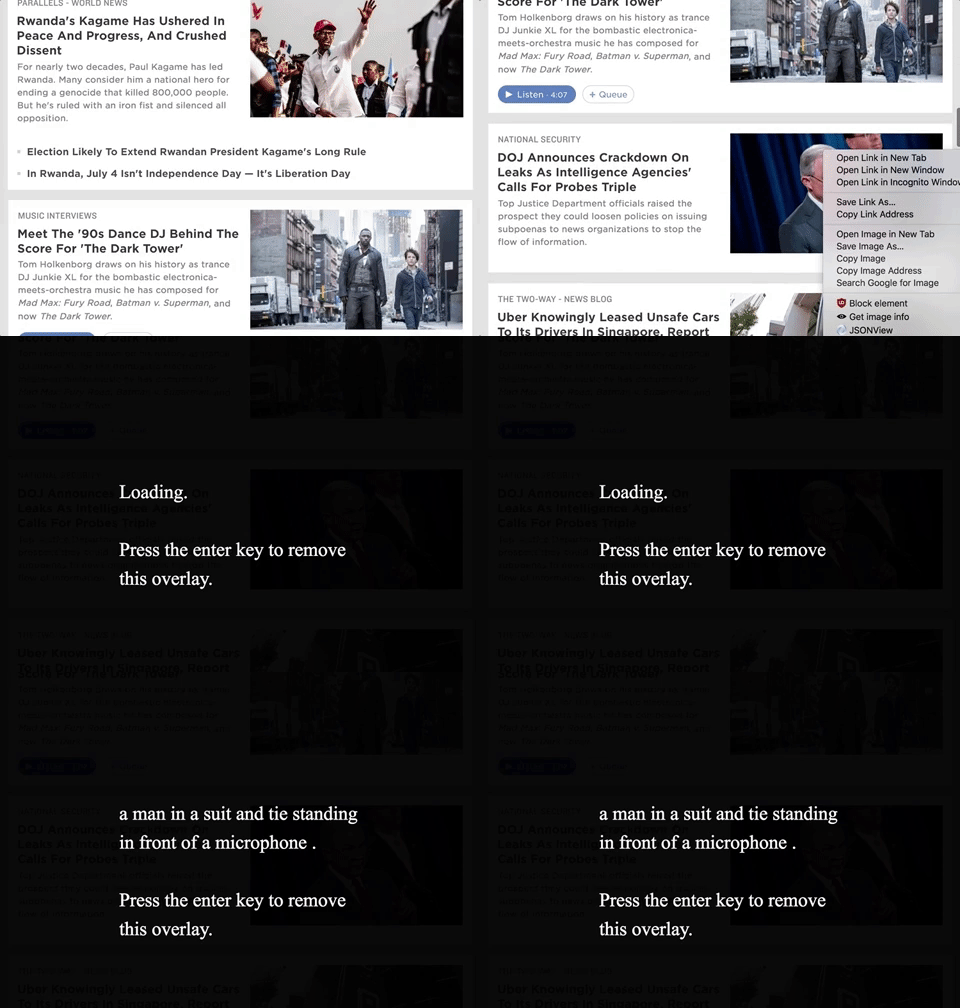
Here's how to use the extension and some advice
It's pretty simple to get up and running! Try these steps on any image on this page.
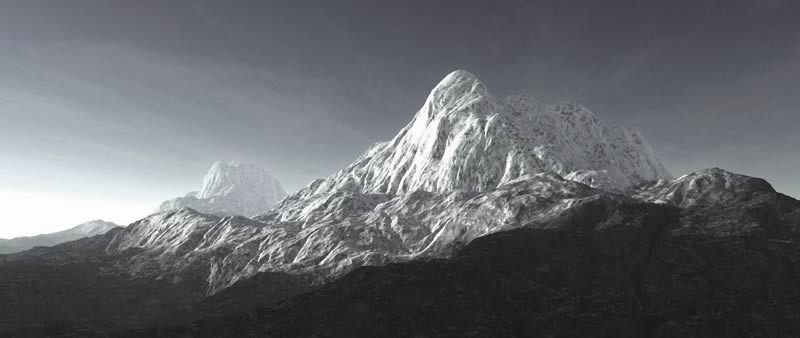
Artificial Intelligence isn't perfect! This AI was trained on JPG images only, all other image formats may/may not be able to be converted to JPG, hence you may get an error. Additionally, if the image is on a protected site, the program will not be able to access it.
Incorrect captions are most likely due to the AI not seeing images similar to that image before. I am currently working on training the AI on a larger image set which may/may not work...But it should work with common scenes.